ArchiveLegacy connectors
Google Cloud Storage
You can give Sundial Read-Only access to your existing GCS Bucket
Alternatively, you can create a separate GCS Bucket to store the data which you would like to share with Sundial.
Sundial has a GCP IAM Service Account : We will e-mail you the specific IAM service account, which will be of the format:
<name>@<snippet>.iam.gserviceaccount.com
Read-Only Permissions
Give Read-Only access to your GCS Bucket to the Sundial IAM Service Account.
-
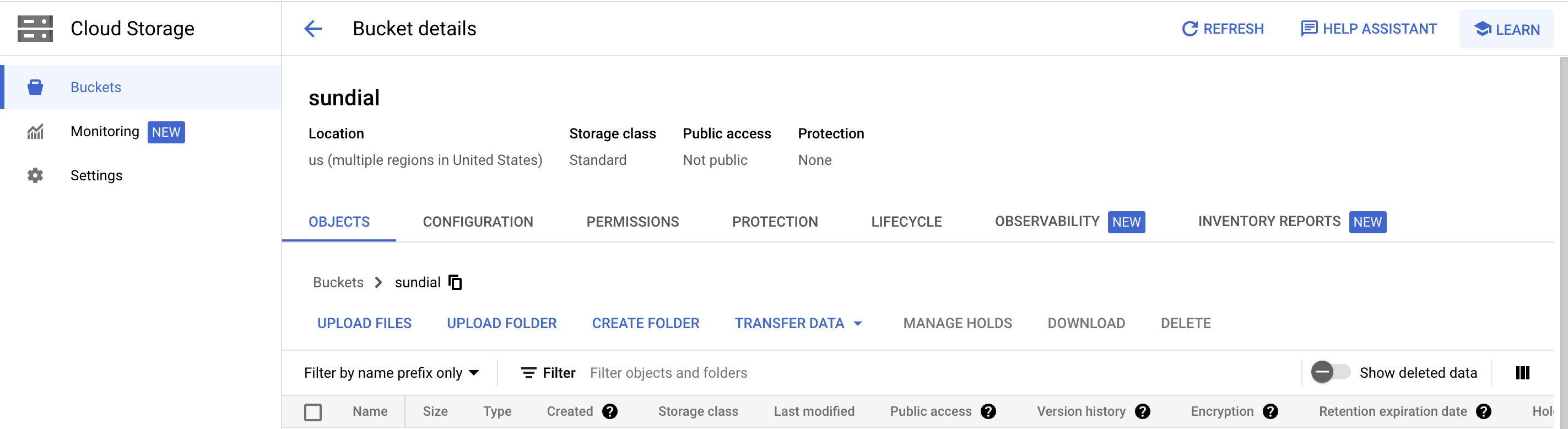
Browse to the desired bucket using the GCP console
-
In the Permissions tab, click on
Grant Access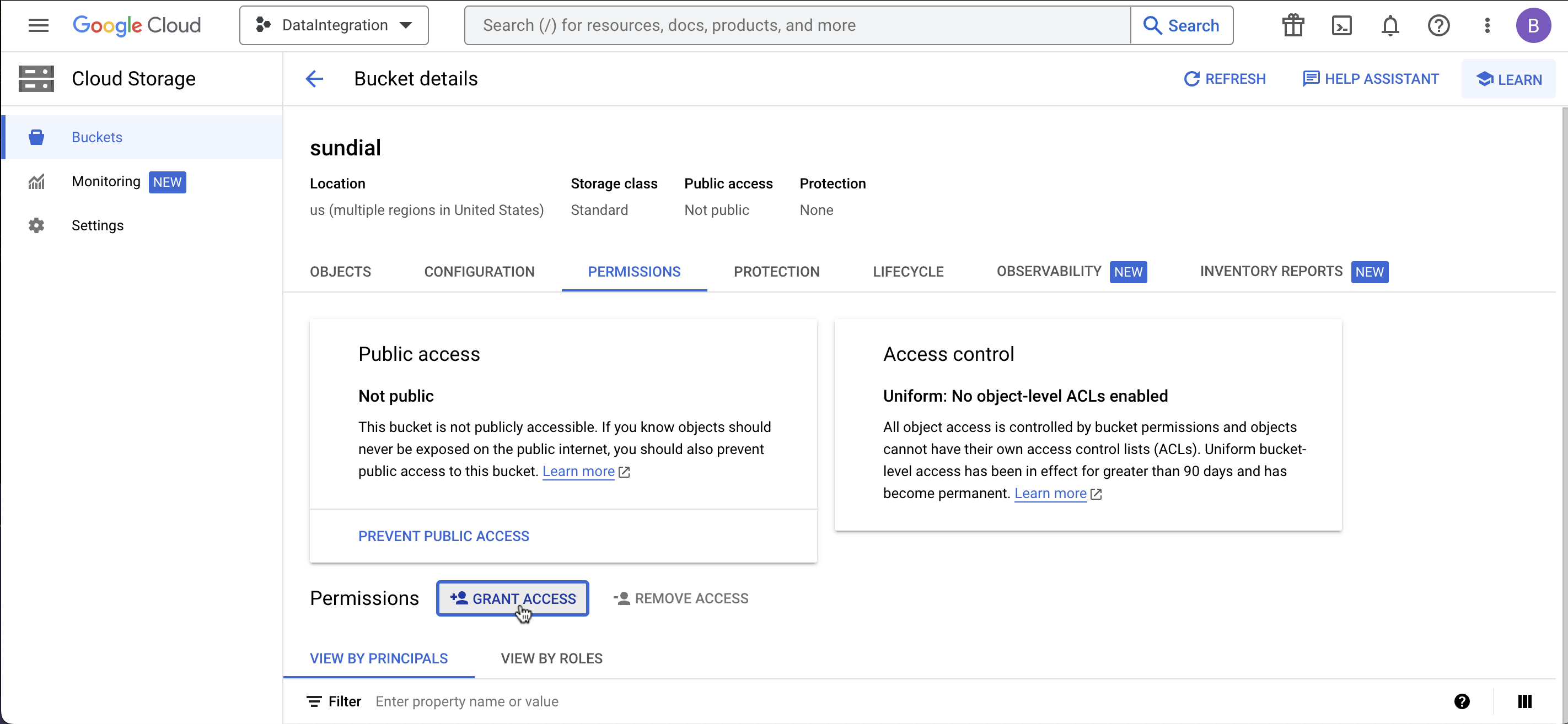
-
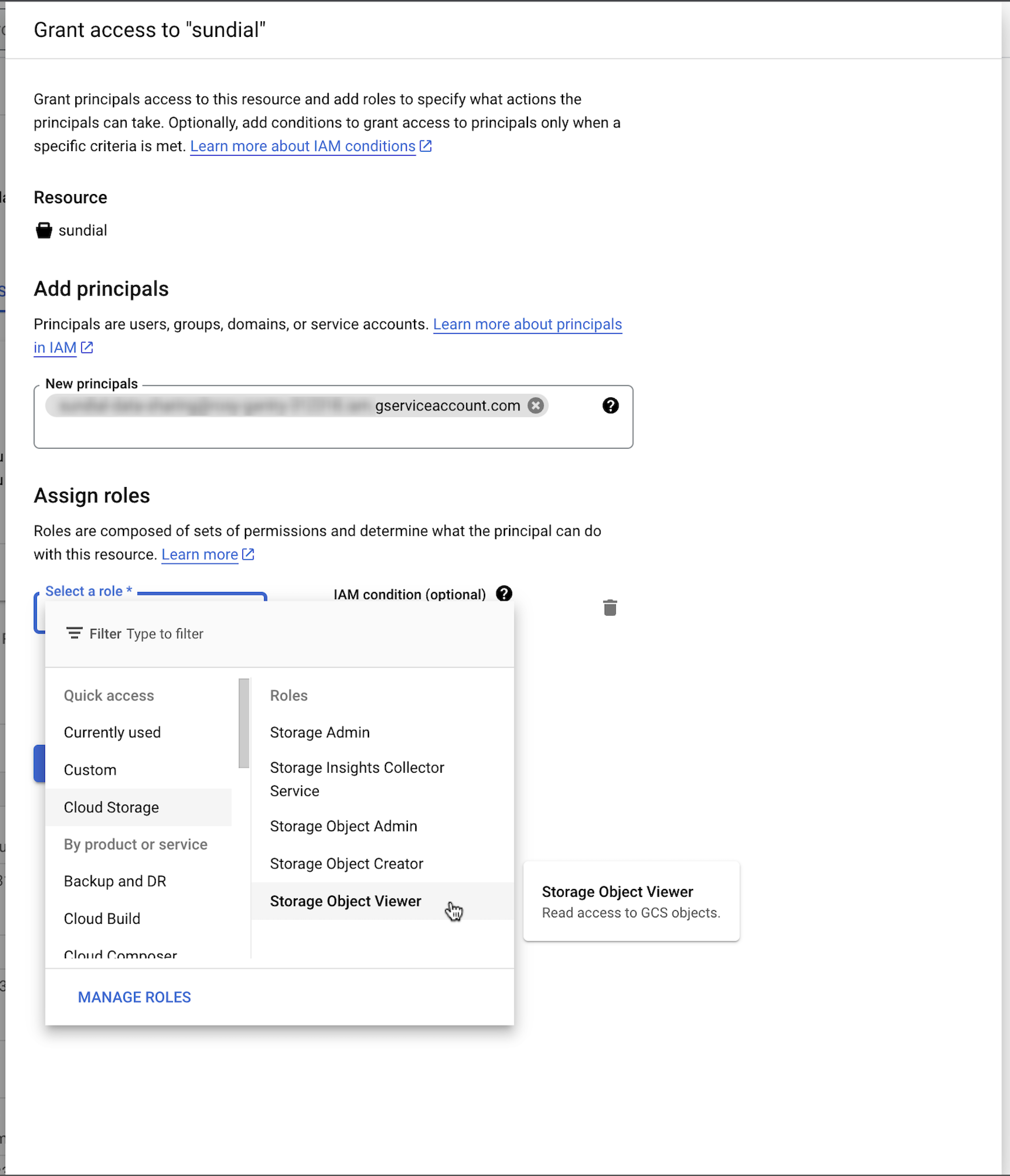
Add the service account shared with you as a new principal. Assign the
Storage Object Viewerrole to this principal.